

Best AI Feet Generator Apps in 2026, Compared
The best AI feet apps in 2026 are LoveForever AI, Candy AI, OurDream and Kindroid, with LoveForever AI as the top pick for realistic foot images, short video and memory-driven roleplay. Apps were ranked on anatomy, character consistency, privacy and pricing. The guide also covers free tiers, NSFW rules and consent.
No commitment. Start in 30 seconds.
Private & encrypted · No credit card needed
18+ only. No minors. Always consensual. See Safety & Guidelines.
The best AI feet apps in 2026, ranked
So how do you pick an app without burning a week of credits on bad renders?
We ranked these apps on what matters to someone who wants foot content specifically. Anatomy came first. If an app can't keep five toes on a foot across ten generations in a row, nothing else it does well will save it. Video came second. A still image can hide a lot, but motion exposes every weakness in how a model understands a foot flexing or shifting weight. Privacy came third, and for plenty of readers it decides whether they'll use an app at all. Nobody wants a private fetish tied to their real name and a shared gallery.
LoveForever AI takes the top spot. Its foot renders hold up on close crops, which is where most competitors start guessing, and its AI video generator keeps the anatomy consistent once the scene moves. Few apps manage both. It also keeps your chats and generations out of public view by default, and you can read how that works on its privacy and security page before you sign up.
The rest of the list is mixed. Some apps make great stills but can't animate anything. Others have loose content rules or fuzzy data policies you'll want to know about before you upload a thing or hand over a payment card.
Each app below gets its own card covering what it does well, where it slips, and who it suits. Read the weak spots as closely as the strengths, since they're usually why one app fits you and another doesn't.
What should you look for in an AI feet generator?
We judged every app in this roundup on five criteria:
- Anatomy realism. Five toes per foot, every time. Arches should curve the way real arches do. Skin needs texture, and its shadows should match the light in the scene, because flat, plastic-looking skin gives a fake image away fast.
- Character consistency. The same companion's feet should look like the same feet in every image. Skin tone and polish shouldn't change unless you ask them to.
- Privacy and data handling. You should know where your images are stored and whether your prompts get used for training. Check how a platform handles private and secure chat before you share anything personal.
- Image plus video support. Stills are the baseline. Short clips are a bonus, and some apps can't do them at all.
- Pricing clarity. A flat monthly price beats a credit system that drains faster than you expected.
Want to test consistency yourself? Ask for the same character barefoot on a beach, then ask for her lying on a bed, and put the two images side by side. Is the skin tone the same shade? Did the red polish stay red, or did it turn pink or disappear?
Plenty of apps fail this test.
Session-level tools forget who your companion is once the chat resets, so every generation starts from scratch and the model guesses again. Toe length or a faint tan line drifts a little each time. After five or six images you could be looking at three different people, which is maddening when you've put real effort into building a character you like.
LoveForever AI solves this with cross-session memory. It saves your companion's look to the character rather than to one conversation, so the feet you saw last week are the feet you get today. Run the beach and bed test on the AI image generator and compare the results for yourself.
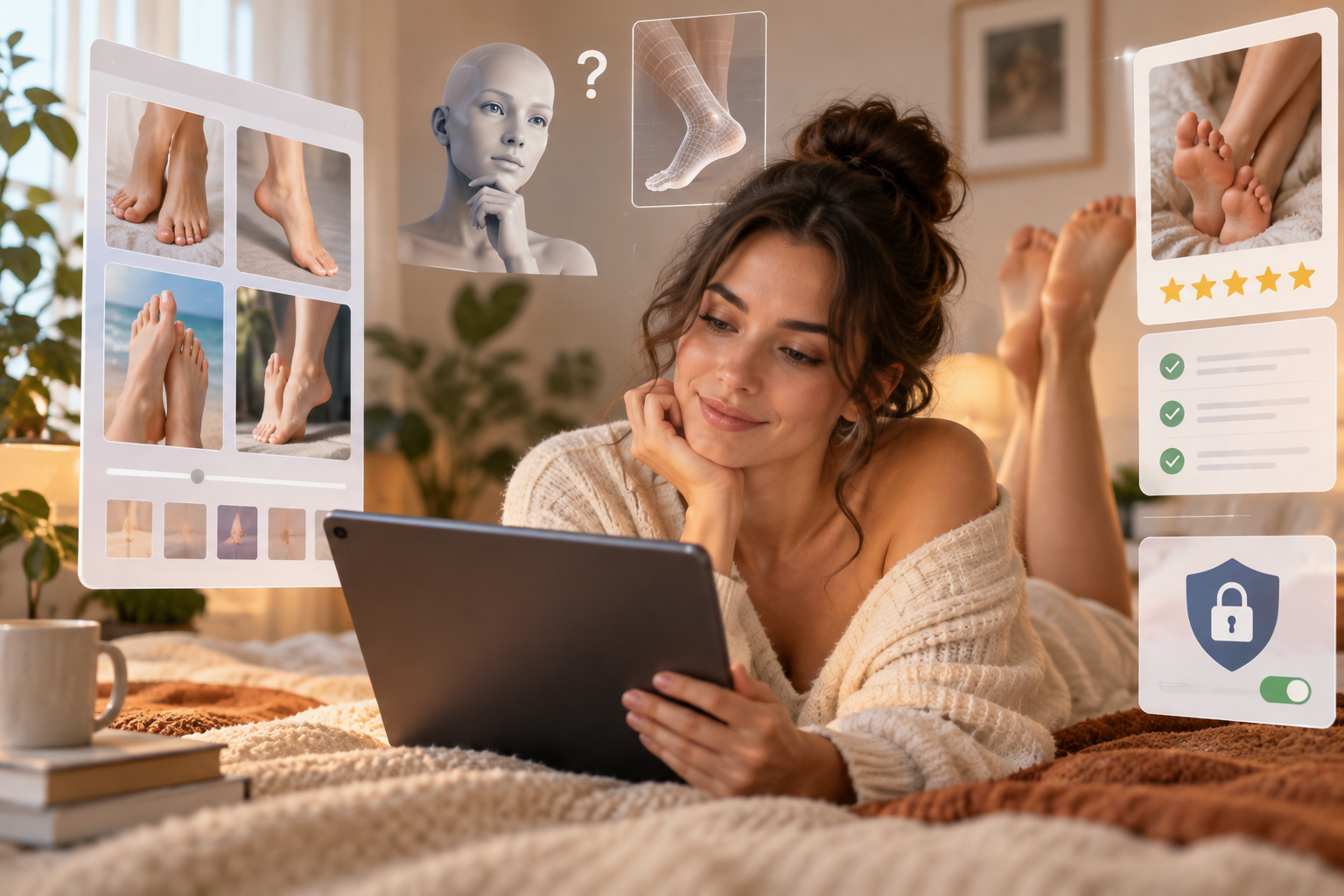
Why does AI struggle to draw feet, and which apps get it right?
Image models learn from huge collections of photos, and feet are a weak spot in that data. They're small in most pictures. They also appear in countless positions, since a single foot has 26 bones that can point, flex or curl in ways that change its whole shape. And half the time they're under a blanket or cropped out at the edge of the frame. The model ends up with a fuzzy idea of what a foot looks like, so it guesses. Hands have the same problem for the same reasons.
An extra toe is just a bad guess.
Better apps work around this in a few ways. Newer, stronger models start with a clearer sense of anatomy, so they guess less. Pose control lets the app lock a body position before it draws, which keeps legs and feet where they belong. The most practical fix is the simplest: when one image comes out wrong, you regenerate or refine that picture instead of rebuilding the whole scene.
So which apps handle it well? Candy AI and OurDream are popular for image quality. Kindroid and Nomi AI are known more for conversation than for detailed photos, and CrushOn AI is mainly text, so don't go there expecting pictures. If realism is your priority, I'd pick LoveForever AI. Its AI image generator lets you redo a single shot until the toes and ankles look right, and the video generator puts that same character into motion.
Is it private and safe to make AI feet content?
Start with four checks:
- Storage. Does the app save your chats and generated images? For how long?
- Deletion. Can you delete individual images, whole conversations, or your entire account? Does deleting remove the data, or only hide it from you?
- Training. Does the company train AI models on your content? If the privacy policy is vague on this, assume it does.
- Billing. What name shows up on your card statement? A discreet one matters if you share a card or a household.
One rule doesn't bend. Never upload a photo of a real person's feet, or try to recreate a real person's likeness, without their clear consent. That includes an ex, a coworker, a celebrity, or an influencer whose pictures you found online. Sexual content of real people made without consent can be harassment, and in many places it's illegal. Reputable apps limit this kind of content to fictional adult characters. Hold yourself to that line even when an app doesn't enforce it.
A couple of habits help, too. Sign up with a separate email that isn't tied to your work or main accounts. And read each app's privacy policy yourself instead of trusting the homepage, because rules vary a lot between platforms. Replika and Character.AI, for example, have stricter content rules, so this kind of content may not be allowed there at all.
Why is LoveForever AI first on our list? Privacy is a big part of the answer. The app was built with privacy as a priority, and its privacy and security page explains how it handles your data before you make anything. Once you're comfortable, open the AI image generator and start with a fictional adult character you design yourself.

Which AI feet app is right for you?
If you want photorealistic foot images, short video clips, and a companion who remembers you between sessions, choose LoveForever AI. It's the only app on this list with all three under one login, and its AI video generation is the part the others can't match.
Just want a quick custom image? Candy AI or OurDream will get you there fast. Build a character, request a shot, and you're done in a few minutes.
Kindroid and Nomi AI suit the slow burn. Both are designed for long conversations that build memory over weeks, and selfies show up now and then rather than on demand. That works for people who care more about the relationship than the pictures and don't mind waiting until a photo feels earned.
CrushOn AI and SpicyChat are for text. If your foot fetish roleplay lives mostly in your imagination and you'd rather read a well-written scene than look at a generated image, these two give you plenty of room, with looser content rules than mainstream chatbots.
DreamGF and Muah AI lean into the girlfriend experience and work photo requests into the chat. They're a reasonable choice if that specific dynamic is what you want.
And if you want everything in one place? Don't stitch together one subscription for images, another for chat and a third for video. You'll pay more, and none of those characters will know each other or remember what you liked last week. For this reader, LoveForever AI is the clear pick. You can create your own companion, set her look down to the arches and polish color, and keep images, video and conversation tied to one character.
Can you make AI feet images for free?
Most apps on this list follow the same pattern. The free tier gives you a limited number of generations, sometimes at lower quality or with slower processing, and the better output sits behind a subscription or credits. Video is the clearest case. Nearly every app locks it behind paid credits, because a clip costs far more to render than a still. Free limits change often, so check each app's pricing page on the day you sign up instead of trusting a number from a review.
LoveForever AI has a free tier, so you can try the AI image generator before committing to anything. Several other apps we covered offer a trial or a small batch of starter credits. Use them. That's what they're there for.
How do you tell whether an app is worth paying for? Generate three or four foot images on the free tier with the same character in slightly different poses: a side view, soles facing the camera, feet resting on a bed. Then look closely.
- Count the toes. Five per foot, every time.
- Check that toe length and spacing look natural, with no fused or melted shapes.
- Compare skin tone, nail color and arch shape across all the images. They should look like the same person.
If two of your four images come back with six toes, or a foot that changes shape between shots, paying won't fix it. Try the next app.
One warning. Be wary of random free generator sites that show up in search results with no clear company behind them. Many never say what happens to your prompts or uploaded photos, how long they keep them, or who they share them with. No readable privacy policy? Close the tab. Wherever you sign up, look for a plain explanation of how your data and chats are kept private. Foot content is personal, and you shouldn't have to guess where it ends up.
Which apps allow NSFW or uncensored AI feet content?
Start with the big names. Character.AI runs a strict filter that blocks explicit roleplay, so anything past a light, flirty mention of feet usually gets cut off or redirected. Replika is similar. The company pulled back its erotic roleplay features in February 2023, and although some of that has shifted since, it still isn't built for uncensored fetish content. If that's what you want, both will frustrate you.
Then there's the permissive group. CrushOn AI, SpicyChat, Muah AI, Candy AI and DreamGF are known for adult settings that let conversations and images go further. Most put that content behind an age check or an opt-in toggle, which is how it should work.
LoveForever AI is in the adult category as well. Verified adults can use adult AI chat and roleplay alongside image and video generation, under clear rules: characters must be fictional adults, and consent is part of how scenes are framed. The LoveForever features page explains how those limits work.
What should you check before choosing one? Permissive shouldn't mean anything goes. Any uncensored app worth your time blocks two things without exception. The first is minors, including characters described as underage or made to look young. The second is real-person likeness: you can't upload a photo of your coworker, an ex or a celebrity and generate explicit images of them.
If an app lets either through, close it and delete your account. There's no gray area here, and a platform that ignores these rules is unlikely to protect your data or payment details any better.
More AI companion guides
- Nastia AI Alternative: LoveForever AI Compared. Looking for a Nastia AI alternative?
- Yollo AI Alternative: A Companion That Remembers You. Yollo AI alternative with long-term memory, live voice calls and photos that keep her face.
- JOI AI Alternative: Simpler Pricing, Same Freedom. Compare JOI AI and LoveForever AI on price, Neurons vs gems, voice and media.
- Secrets AI Alternative: Start for $2.99, Not $19.99. Secrets AI alternative with memory, photos, video and live voice calls.
- CherryPop AI Alternative: Your Own Companion, Your Own Rules. CherryPop AI alternative with one companion who remembers you, consistent photos, video and live voice calls.
Frequently Asked Questions
Feet are small or hidden in most training photos, and a foot has 26 bones that can point, flex or curl, so the model ends up guessing. Stronger models, pose control and regenerating a single bad image all help.
LoveForever AI is our top pick because it puts realistic foot images, short video and cross-session memory under one login. If you only want a quick custom image, Candy AI or OurDream works fast.
You can start free, but most free tiers limit how many images you get and may lower quality, while video almost always needs paid credits. Generate three or four images of the same character in different poses and count the toes before you pay.
CrushOn AI, SpicyChat, Muah AI, Candy AI, DreamGF and LoveForever AI allow adult content, usually behind an age check or opt-in toggle. Character.AI and Replika have stricter rules, so explicit foot content may not be allowed there.
Check how the app handles storage, deletion, training on your content and the name on your card statement, and sign up with a separate email. Never upload a real person's feet or likeness without their clear consent.
Try it yourself
Design her personality, generate her look, and start chatting in under a minute.