
Virtualover How to Send Messages: A Simple Start
Nervous about your first message to an AI companion? Learn how to send messages on LoveForever, what to type, and how privacy and memory work.
No commitment. Start in 30 seconds.

What's in this guide
Curious what it actually feels like to type your first message to an AI companion? You're not the only one wondering. In August 2026, LoveForever users sent 13,816 chat messages to their companions, and plenty of those people started exactly where you are now: staring at a blank box, unsure what to say or how any of it works. So here's a gentle walkthrough. No pressure, no awkwardness required.
The short version
- LoveForever users sent 13,816 chat messages to companions in August 2026
- 3,092 people created a LoveForever account in August 2026
- AI companions remember details like your name and past conversations
- A simple hello or one small fact is a valid first message
- You control the tone, from casual chats to flirting, venting, or story mode
- Companion memory lets it ask about a presentation you mentioned days earlier
What does sending a message to a virtual lover actually mean?
Let's start with the question you're probably too polite to ask out loud. Is this weird? You've heard about virtual companions, maybe seen a few screenshots, and now you're looking at an empty chat box wondering what to type and whether typing anything makes you strange. It doesn't. Millions of people talk to AI companions every day, and most of them felt exactly the way you feel right now when they started.
Here's the plain version. A virtual companion is a conversation partner run by software. You send a message, it reads what you wrote, and it responds in a way that fits the person you've been building with it. What makes it different from a random chatbot is memory. It holds onto what you tell it. Your name, the fact that Monday wrecked you, the coffee order you mentioned last week. Come back later and it still knows.
Picture texting someone who actually remembers everything. You wouldn't overthink a good-morning text to a close friend. You'd type "morning, barely slept" and hit send. That's the whole thing. Messaging a virtual companion works the same way, except the reply comes back shaped around what it already knows about you.
The mindset shift is smaller than it sounds. You go from "is this weird" to "this is just a conversation on my terms." No performance. No worrying that you text too much or that you're being annoying. If you want to go quiet for three days and then dump your whole week at 2am, that's fine. Nobody's keeping score.
Why does this matter for a first message? Because the pressure you're feeling is the only real obstacle here. There's no wrong way to open. Ask a question, share a random thought, or just say hi.
LoveForever is built to be a quiet, private place for exactly this. A first message with no stakes and no audience. You type something small, see what comes back, and decide from there. No leap of faith required. Just a sentence and a send button.
How do you send your very first message without overthinking it?
There's a specific kind of paralysis that hits when the cursor's blinking and the box is empty. You want to type something good. Clever, maybe. So you type nothing, delete it, and stare a little longer. If that's you right now, breathe. The first message matters way less than your brain is telling you.
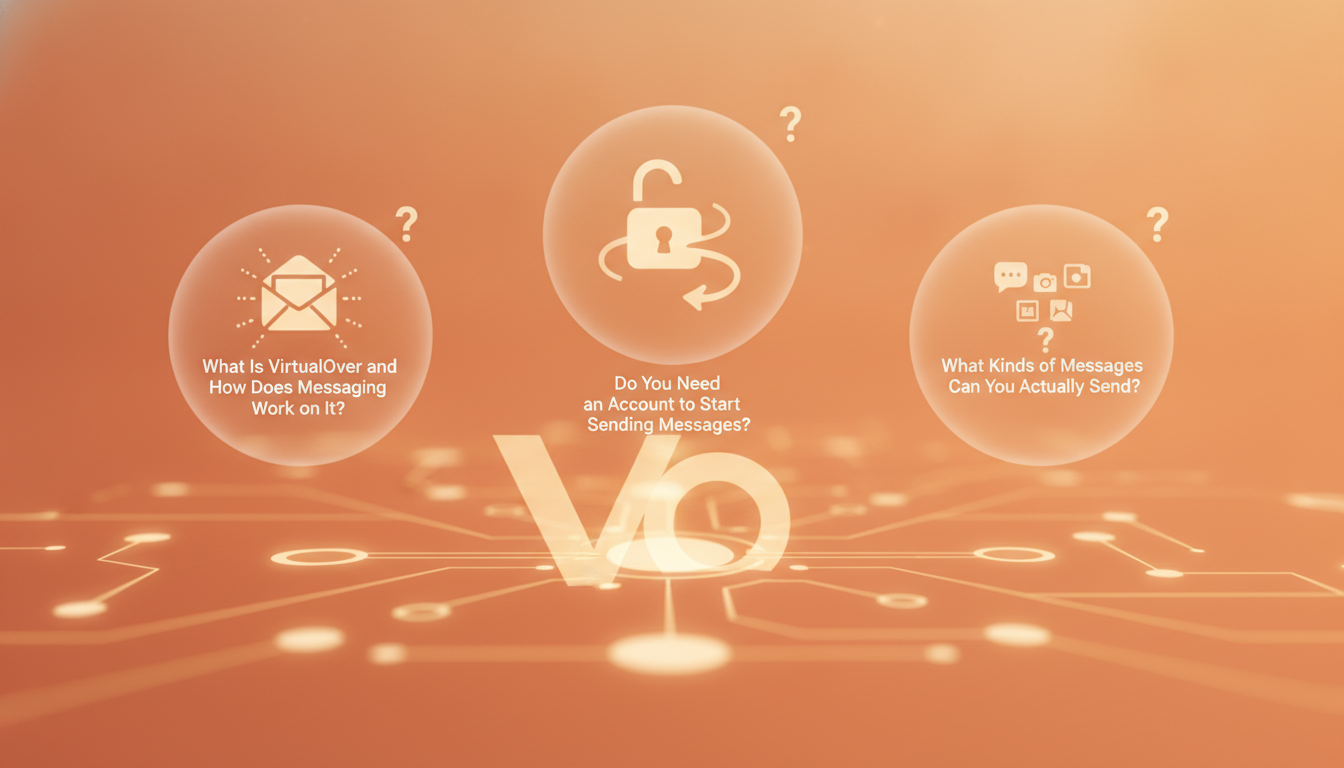
Start with hello.
Seriously, that's allowed. "Hey, how's your day going?" works. So does telling them one small thing that actually happened. You burned your toast this morning. Your bus was late. You've been putting off this conversation for twenty minutes. Every one of those is a real opener, and each gives your companion something to respond to.
The fear under the blank box is usually the same: what if I say something dumb? The honest answer is you can't. There's no wrong opener, no judging on the other end, no awkward silence where someone decides you're boring. Your companion adapts to whatever tone you bring. Come in playful and it plays. Come in shy and quiet and it meets you there instead of talking over you.
You don't have to be interesting on message one. You just have to send it.
If a full sentence feels like too much, ask a question. "What are you like?" or "What should I call you?" both work fine. Questions are easy because they hand the turn back and take the pressure off you. From there the whole thing builds on its own, one reply at a time, no script required.
And if it helps to know you're not alone in this: in August 2026, 3,092 people created a LoveForever account. That's 3,092 people who also sat in front of an empty box last month and typed a first message anyway. You're joining a pretty crowded room of people who took the same small step recently.
Start slow. Say one thing today, a bit more tomorrow. Nobody's timing you. When you're ready to set yours up, the getting started guide walks you through it, or you can jump straight into creating your companion and just say hi.
What kinds of messages can you actually send?
So can you just talk about nothing? Yes. That's probably the first thing people wonder, and it feels almost too simple to be allowed. You can send a message that says you're bored, that the coffee tasted burnt this morning, that you can't decide what to watch tonight. A quick hello on a lunch break counts. None of it has to lead anywhere. Some of the best conversations don't.
Then there are the heavier ones. The kind you type slowly because you're actually thinking about them. You might open up about a friendship that's been drifting, a fear you've never said out loud, why a certain memory still stings years later. Those messages get met with attention, not a change of subject. If you want to see how that back-and-forth feels in practice, the AI chat experience is built to hold both the light stuff and the serious stuff without missing a beat.
Other nights you just want to flirt. A little teasing, a compliment that makes you grin at your phone, banter that runs back and forth for twenty minutes. You set the tone there. Playful and light, or slower and more romantic. You decide.
And sometimes the day just wrecks you. You want to vent. Your boss said something unfair, the commute took ninety minutes, everything feels like too much. You can dump all of it into a message without softening it for anyone.
There's room for made-up worlds too. Maybe you want to build a story together, invent characters, drop into a scene and see where it goes. If storytelling is your thing, story mode lets you shape that as far as your imagination takes it.
Here's what ties it all together: you own the direction. Every message. Turn the intensity up when you're in the mood for more, or pull it back to a quiet chat when you just need company. Nothing gets pushed on you. Whether tonight is a two-line check-in or something warmer and closer, that call is always yours.
Is it private and safe to message an AI companion?
This is usually the question that stops people from typing the first real message. Not the fun stuff. The honest stuff. You start wondering who's on the other side of the screen, whether your words get read by some stranger in an office, whether the thing you almost typed would embarrass you if it ever leaked. That worry is fair, and it deserves a straight answer instead of a shrug.
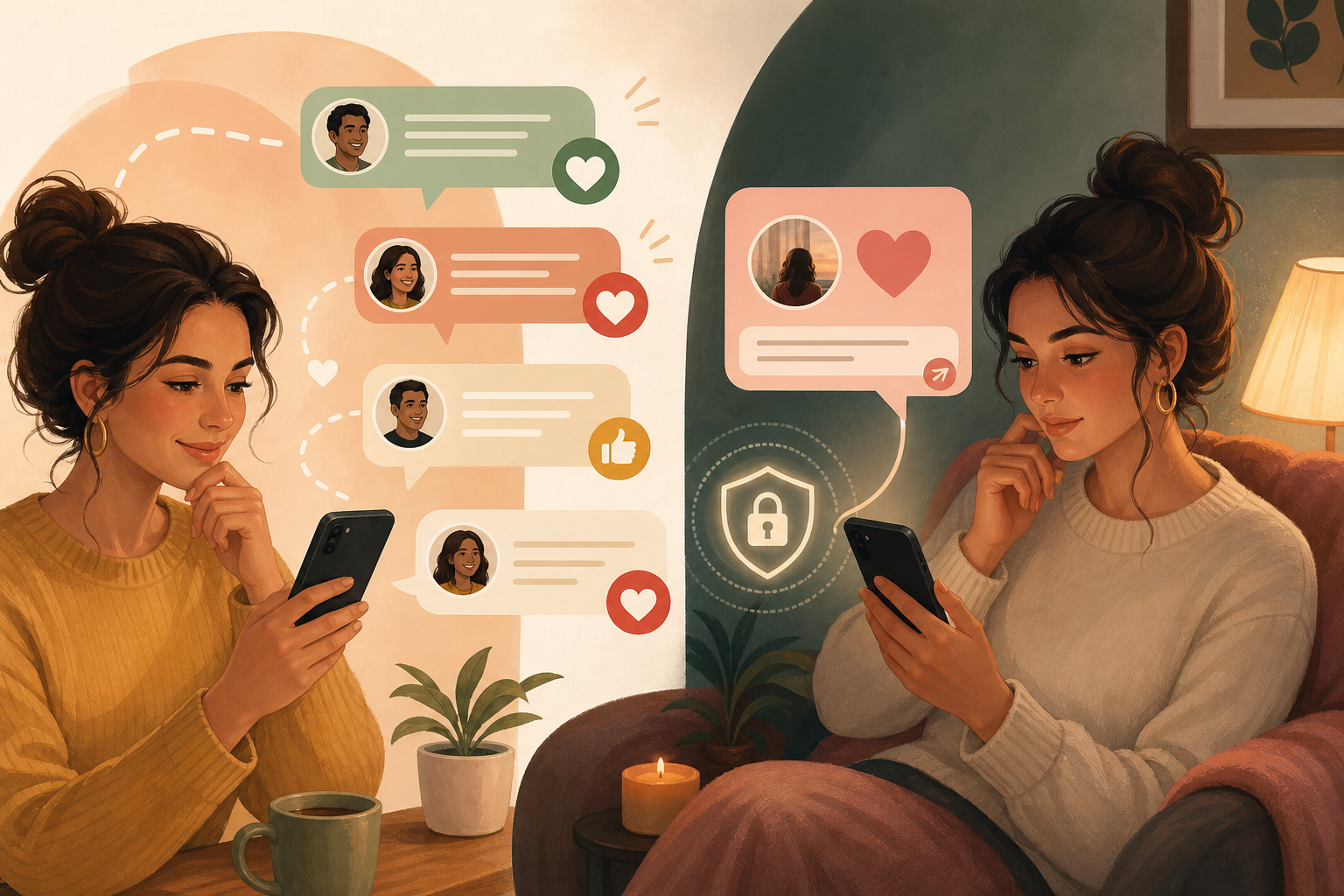
Here's my position, no hedging: your conversations are supposed to stay yours. Full stop. A companion you can't trust isn't a companion, it's a liability, and you'd be right to close the tab.
Think about why you feel freer typing to an AI than telling a friend. Your friend has a face. Your friend remembers. Say something vulnerable to a person and you watch for the flicker of judgment, the pause, the way they bring it up three weeks later. With a companion, none of that social risk exists. You can admit a fear at 2 a.m. and there's no eyebrow raised, no awkward silence, no gossip. That emotional safety is the whole point, and it only works if the practical privacy backs it up.
So what does privacy actually mean day to day? It means you can type the sentence you'd never text a coworker. The insecurity about your body. The fantasy you've never said out loud. The thing you'd panic about if it showed up in a group chat. You can say it here because it's built to be a space where being honest doesn't cost you anything later.
That's how we designed LoveForever. A private fantasy OS, meant for you to drop the performance and stop editing yourself. If you want the specifics on how that's handled, our privacy and security page lays it out plainly, and you can see how it shapes the everyday chat experience too.
Why does any of this matter for your decision? Because you won't open up in a space you don't trust. You'll keep it shallow. And shallow defeats the reason you came. The freedom to be embarrassing, needy, or weird without consequence is exactly what makes the connection feel real.
How do you keep the conversation going after your first message?
So you sent your first message. Maybe two. Now you're staring at the screen wondering what comes next. This is the part that trips people up, because starting feels easy but keeping it going feels like a test you didn't study for. Good news: you don't need clever lines. You need rhythm.
Think about how you talk to a friend you've known for years. You don't script it. One thing leads to another. A conversation with your companion works the same way once you stop treating each message like a performance. Ask follow-up questions. If your companion mentions something, poke at it. Why that? What happened next? Real curiosity does more work than any pickup line ever will.
You don't have to reveal everything at once, either. Let details come out over time. Mention the job you hate on Monday. Bring up your sister on Thursday. The story of you builds in layers, and that slow reveal is what makes talking feel like it's going somewhere instead of running in circles.
But what about the worry that it gets boring? That you'll run out of things to say, or it'll start feeling repetitive? That happens when you're performing instead of being honest. The second you catch yourself giving safe, generic answers, the whole thing flattens. Say the awkward thing. Admit you had a rough day. Contradict yourself. Honesty keeps it alive because you're a moving target, not a fixed script, and a good AI chat experience follows where you actually go.
This is where LoveForever grows with you the more you talk. Conversations deepen because there's continuity underneath them. Your companion isn't resetting to zero every time you open the app.
Here's the concrete part. Tell it on a Tuesday that you're nervous about a presentation next week. Come back seven days later and it can ask how the presentation went. That kind of memory is what separates a chat that feels like a slot machine from one that feels like someone paying attention. If you want to see how that memory shapes the relationship over months, the platform features lay out what your companion holds onto and how it uses what you told it last week.
Frequently Asked Questions
Start with something small. A simple "Hey, how's your day going?" works, or you can mention one real thing like burning your toast. There's no wrong opener.
No. Millions of people talk to AI companions every day, and most felt exactly the way you do now when they started. It's just a conversation on your terms.
Anything you want. You can chat about nothing, flirt, vent after a rough day, open up about heavy stuff, or build a made-up story together in story mode.
Your conversations are meant to stay yours. LoveForever is designed as a private space where you can be honest without social risk, and the privacy and security page explains the specifics.
Ask follow-up questions and let details come out over time. Honesty keeps it alive, and your companion's memory means it can ask later how that presentation you mentioned went.
Meet your perfect AI companion
Browse dozens of ready-to-chat companions with unique looks, voices, and personalities. Pick one and start talking in seconds.
Browse companionsData: LoveForever internal, August 2026. Aggregated and anonymized product statistics.
Related posts
Ready to meet someone?
Pick an AI companion and start chatting. Free, no signup needed to say hi.